

Pineapple Pi
Portable hacking unit: Raspberry Pi 3 running Kali Linux with a 7″ touchscreen and a Hak5 WiFi Pineapple.
Too many times I’ve found that using my WiFi Pineapple with a full-size laptop is cumbersome. Having access to Linux-based tools is useful, but the size ultimately became a problem. I started looking at tablet options, and then it occurred to me: couldn’t I just use a Raspberry Pi? After researching options, I found a solution that not only provides a small footprint and portability, it also gives me access to almost every tool I need.
Introducing the Pineapple Pi running Kali Linux.
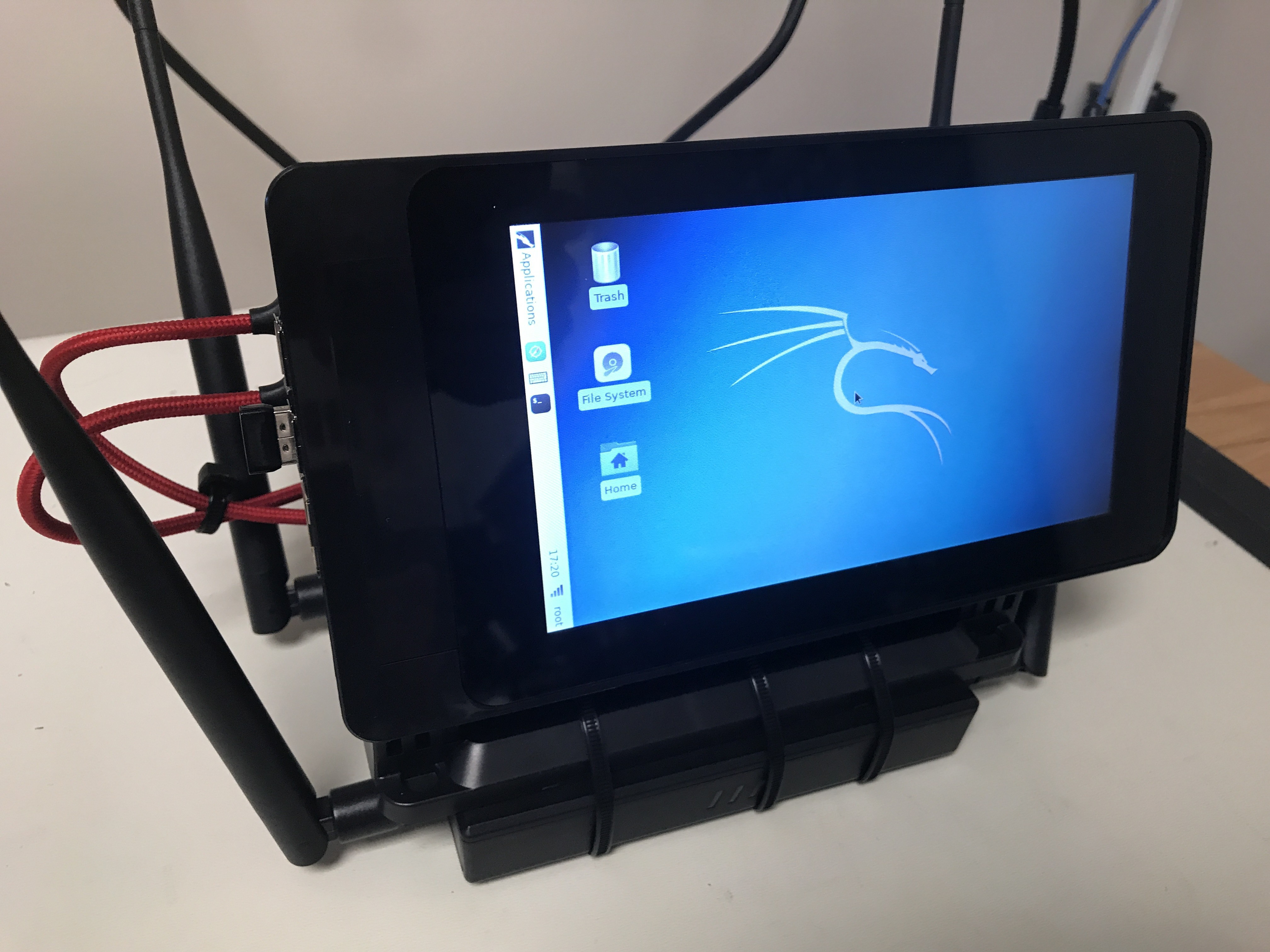
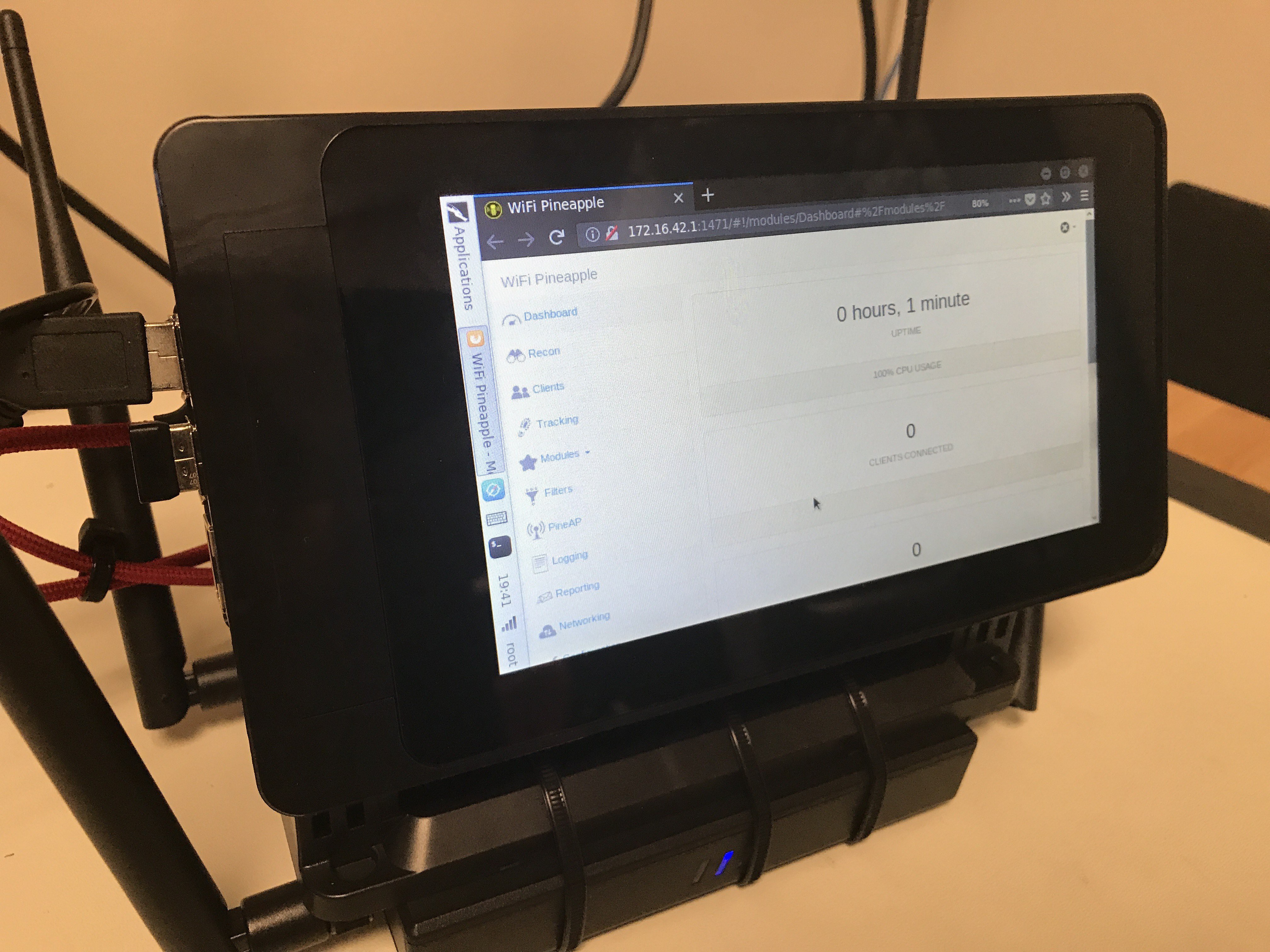
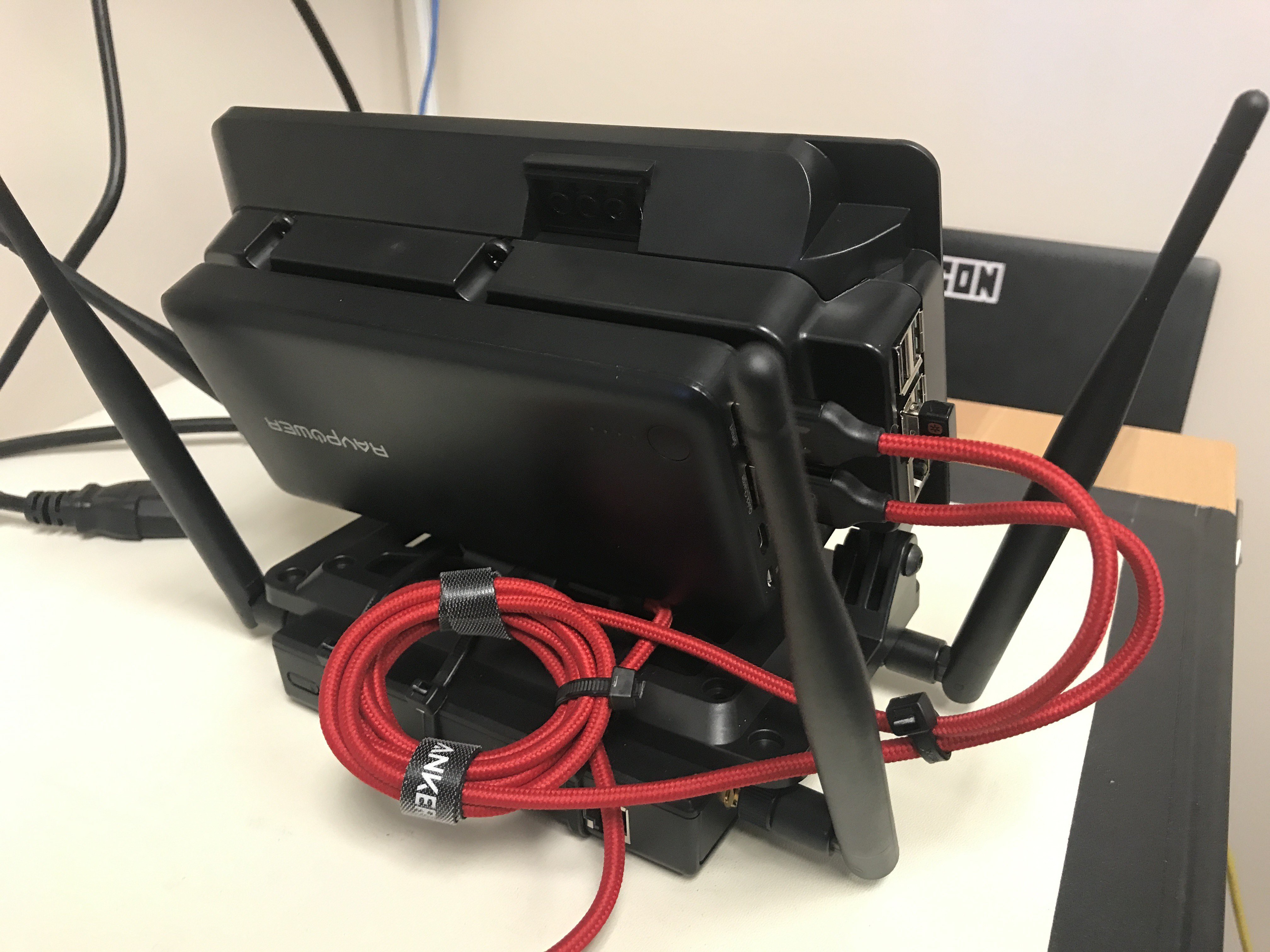
Parts list
- Raspberry Pi 3 Model B
- Hak5 WiFi Pineapple TETRA
- Raspberry Pi 7″ Multitouch Display
- SanDisk Ultra 64GB microSDXC UHS-I card with adapter
- Case for the official Raspberry Pi 7in touchscreen — adjustable angle
- SmartiPi Touch back HAT cover — 15mm deep
- VELCRO Brand Industrial Strength
- Anker nylon braided micro USB cables (2 pack)
- RAVPower 20100mAh USB power bank
- 14in cable ties
- Logitech K400 keyboard (optional)
Since the WiFi Pineapple has a mostly GUI interface that works well with a touchscreen, this setup is a great option for using the Pineapple with a permanently attached computer. It’s easy to carry and small enough to stash somewhere during an audit.
The 20100mAh battery lets it run for hours without being plugged in.
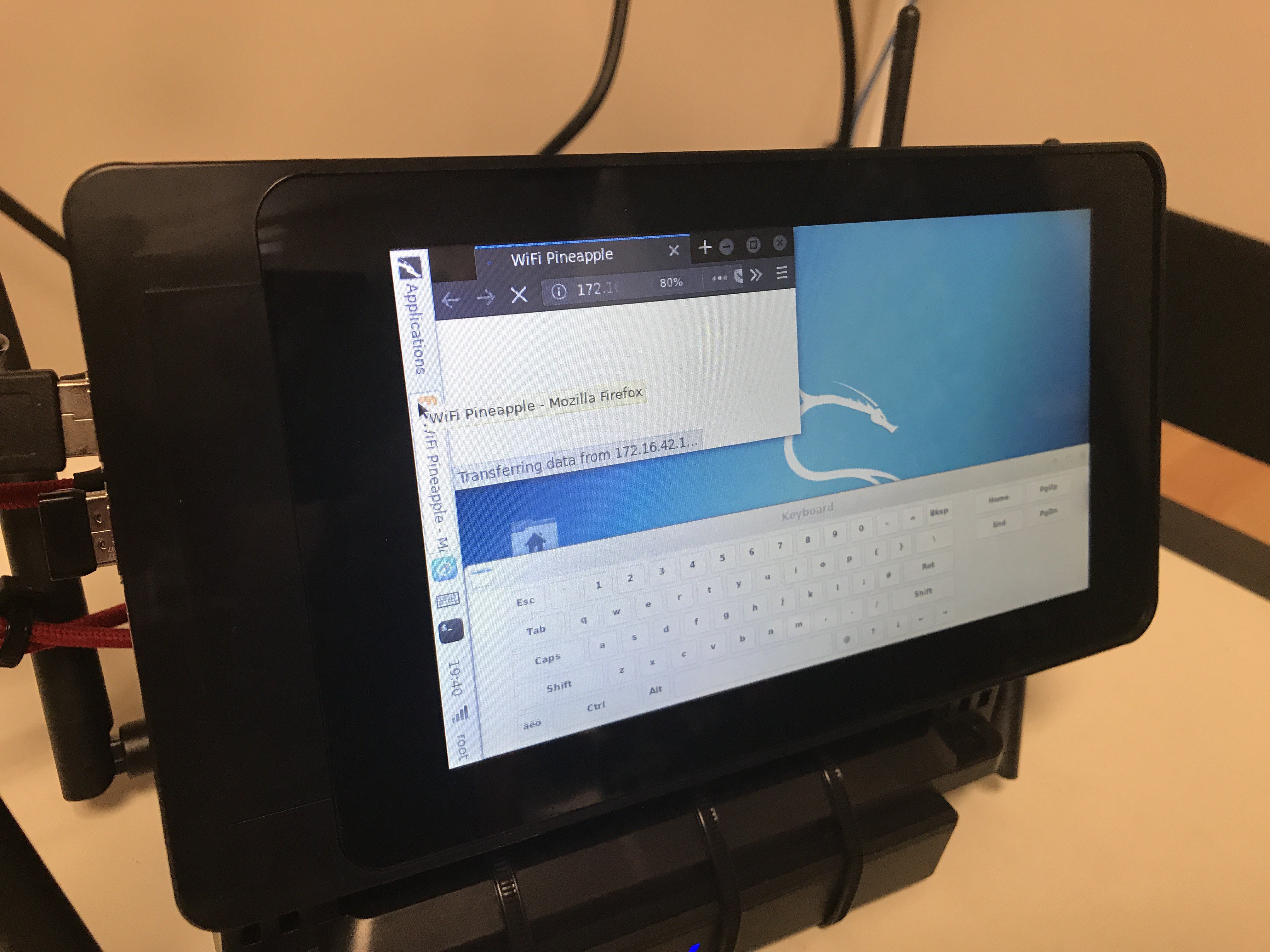
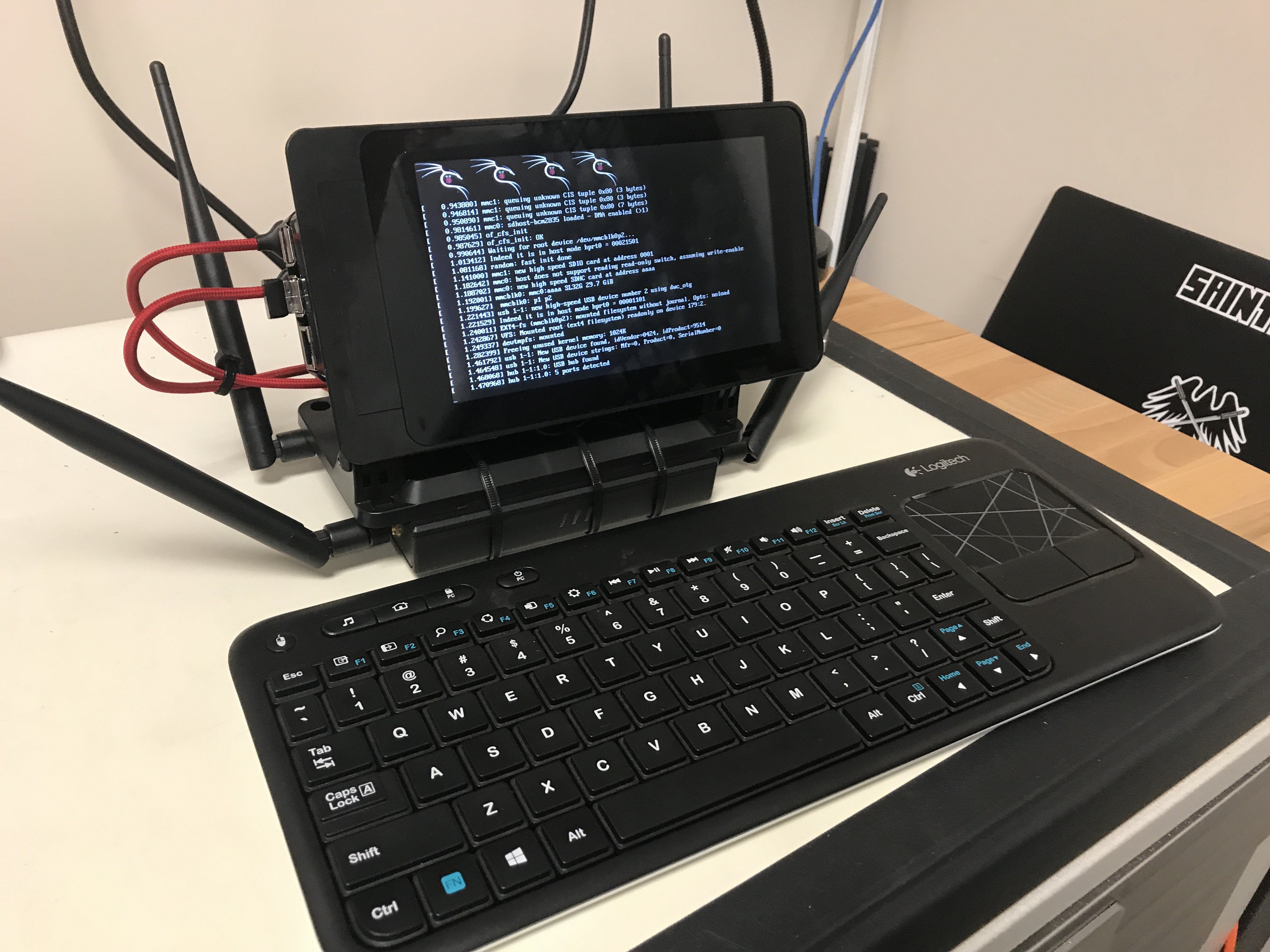
In addition to wireless audits, I have the full capabilities of Kali Linux on a Raspberry Pi 3 at my disposal. The on-screen keyboard works for simple typing, but a small Logitech wireless keyboard makes it much easier.
Overall, I’m very happy with the results and loving my portable wireless audit machine.
Many thanks to the Hak5 team for the WiFi Pineapple TETRA, the Raspberry Pi Foundation for the Raspberry Pi, and Hackaday for hosting the images for this project.